Business phones, set up for you
Keep your number or get a new one, give everyone their own extension, and choose where calls ring. We set it all up and support it, so your customers can always reach you.
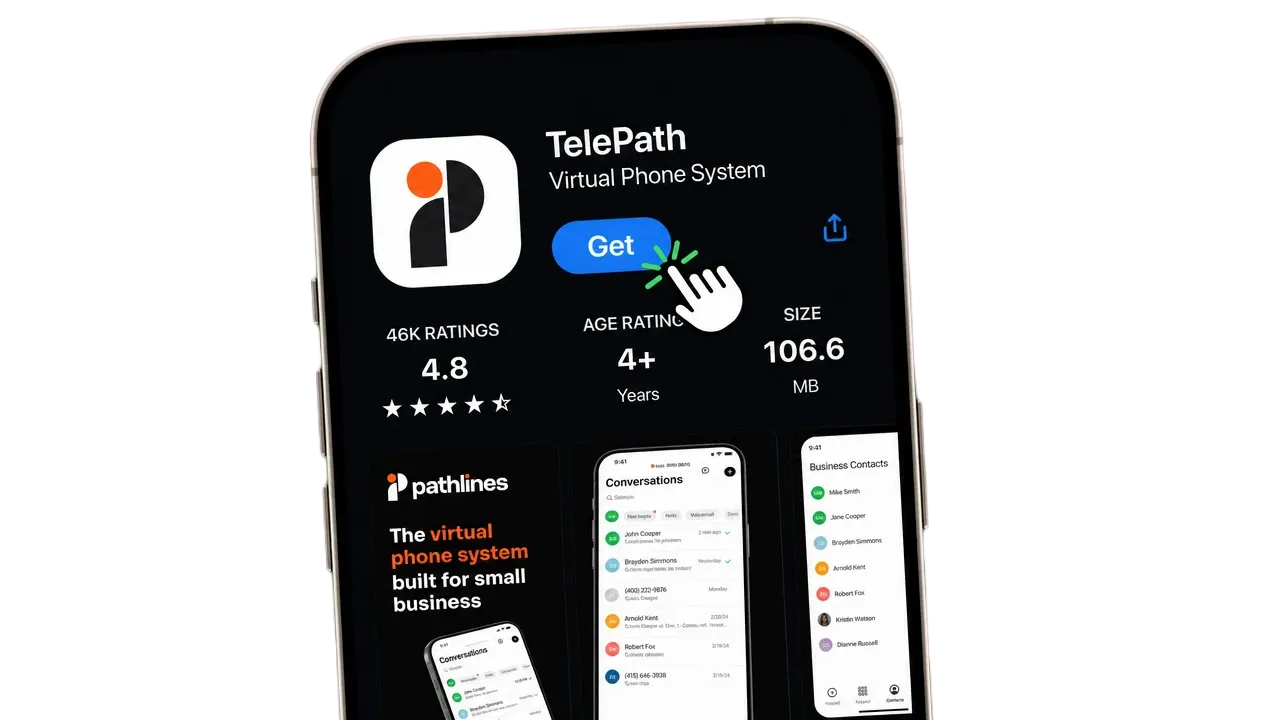
Phones that just work
No complicated setup and no tech talk. Just a business phone that works the way your business does.
Keep your number
We'll bring your number over from your old provider, or you can pick a new one.
Calls go where you want
Ring one person, a menu, or your whole team, and send after-hours calls to voicemail.
Set up and supported for you
Desk phones set themselves up, and our team is one call away whenever you need a hand.
Set up your phones by just asking
Describe your business in plain English, and our AI agent sets up the extensions, menus, queues, and voicemail for you.
An example conversation, shown for illustration.
Example conversation with the Pathlines AI agent.
Customer: I run a business with 13 employees: 4 in sales, 6 in support, and 3 in accounting. I need a menu that lets callers pick sales, support, or accounting, and puts their calls into queues so none get missed. Each department also needs a shared voicemail box.
Agent: On it. Setting up your phones now:
- Added 13 extensions: Sales 101–104 · Support 201–206 · Accounting 301–303.
- Created 3 call queues: Sales rings 4 people, Support rings 6, Accounting rings 3.
- Built your phone menu: Press 1 for Sales, 2 for Support, 3 for Accounting.
- Set up 3 shared voicemail boxes: One for each department, for calls nobody picks up.
- Pointed your main number at the menu: Callers hear the menu as soon as they call.
Agent: Your call flow: main number, then the menu. Press 1 for Sales, a queue that rings 4 people, then their shared voicemail. Press 2 for Support, a queue that rings 6 people, then their shared voicemail. Press 3 for Accounting, a queue that rings 3 people, then their shared voicemail. All set. Every department has its own queue and shared voicemail box. Want me to add open hours too, so after-hours calls go straight to voicemail?
Or set it up like a pro
Prefer to build it yourself? Connect blocks in our flow editor to decide exactly how calls move through your business. Click a block to see its settings.
A preview of the flow editor, shown for illustration. Scroll sideways in it to see the whole flow.
Main line
Flow editor

Business phone questions
Straight answers about getting your business phones from Pathlines.
Can I keep my phone number?
Do I need desk phones?
Can calls ring more than one person?
What happens to calls after hours?
Can I make changes myself?
Can I get internet from you too?
Let's get your phones set up
Tell us how many people need a phone and whether you have a number to keep, and we'll put together a plan that fits.